How to Choose the Right PSU for an RTX Gaming PC?
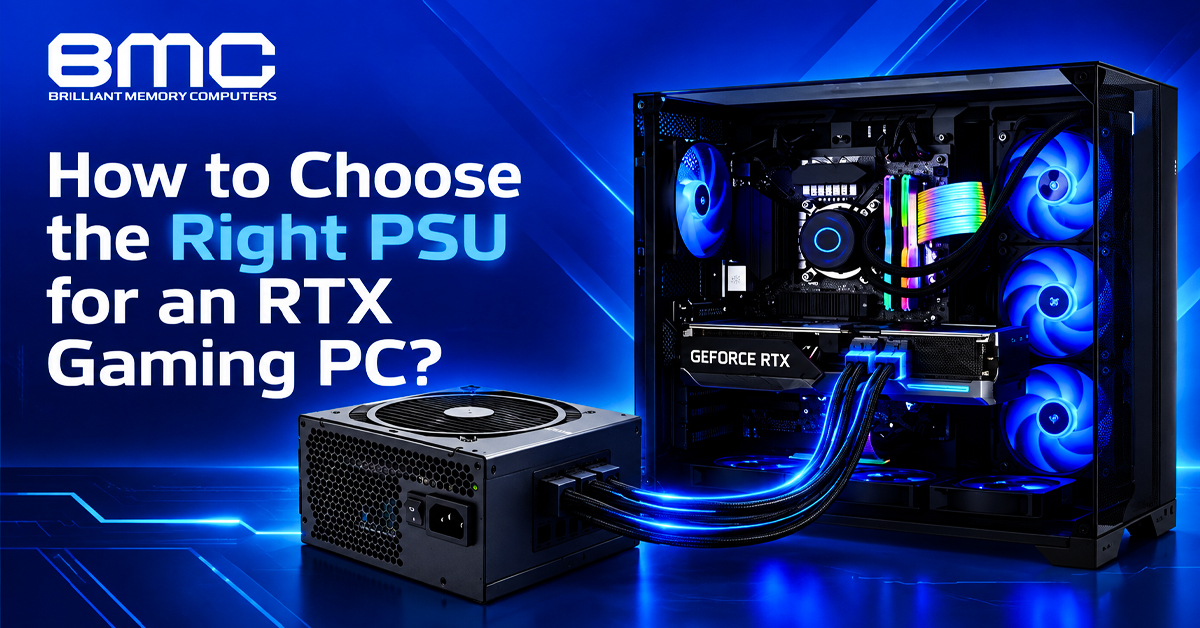
Choosing the right PSU for an RTX gaming PC involves more than selecting the highest wattage. The GPU, CPU, storage and cooling all affect power consumption, so choose a unit with sufficient continuous power, sensible headroom and compatible connectors.
For buyers comparing a reliable gaming PC power supply in Chennai, calculate the complete system requirements rather than sizing the PSU around the GPU alone.
Reliable gaming PC power supply in Chennai for RTX Builds
For RTX builds, consider GPU and CPU power, storage, cooling and planned upgrades before selecting a gaming PC power supply in Chennai.
Key factors include:
- GPU and CPU power
- Storage and cooling
- Total system power
- Future upgrades
A Computer shop in Chennai can help estimate the required wattage.
How Much PSU Wattage Does an RTX Gaming PC Need?
For accurate PSU sizing, calculate the GPU, CPU, storage and cooling requirements. A PSU calculator can provide an initial estimate, but leave sensible headroom for workload changes and upgrades.
Check:
- Total system power
- Continuous output
- GPU and CPU draw
- PSU headroom
- Upgrade plans
For an affordable gaming PC power supply in Chennai, focus on sufficient continuous power rather than the cheapest or smallest unit.
For higher-power RTX builds, a gaming PSU shop in Chennai can help compare the GPU's recommended wattage with the CPU and other components.
Why PSU Headroom Matters
For changing workloads, PSU headroom provides extra capacity for load variations and future upgrades. More wattage is not automatically better, so match the PSU to the RTX build and realistic upgrade plans.
When comparing options at a Computer shop in Chennai, consider the GPU, CPU and future requirements rather than choosing the highest wattage.
80 Plus Certification and PSU Efficiency
For efficiency comparisons, 80 Plus Bronze, Gold and Platinum ratings indicate different efficiency levels. Also check continuous power, voltage regulation, +12V capability, protection and warranty.
PCIe Power Cables and RTX Graphics Card Connectors
For newer RTX graphics cards, check support for the required PCIe, 12VHPWR or 12V-2x6 connector. PCIe 5.0 and 5.1 PSUs may provide native support for newer GPUs. Also confirm the CPU EPS and motherboard connectors.
Best Computer PSU dealers in Chennai for RTX Compatibility
For high-end RTX systems, compare the GPU, CPU and case requirements. Computer PSU dealers in Chennai can provide options based on +12V capacity, connectors and continuous power.
Modular PSU Options for Better Cable Management
For cleaner cable management, choose between non-modular, semi-modular and fully modular designs. Fully modular models offer the most flexibility, while semi-modular units balance fixed and removable cables.
Modular design affects cable management, not overall PSU quality. Output, efficiency, protection and connector support remain important.
Best PSU store in Chennai for Gaming PC Builds
For different gaming configurations, a PSU store in Chennai can offer various wattage and efficiency options. Match the manufacturer's recommended capacity with the CPU and other components, choosing higher-capacity models only when required.
ATX 3.0 and ATX 3.1 for Modern RTX Systems
For newer RTX systems, ATX 3.0 and ATX 3.1 can be relevant because modern GPUs may produce short-duration power excursions. Check the PSU standard and native connector support when building a high-end PC or planning a GPU upgrade.
One-Stop Computer shop in Chennai: Planning for Future GPU Upgrades
For future RTX upgrades, consider the next GPU's power requirements before choosing a PSU. A Computer shop in Chennai can help match the PSU to your current system and upgrade plans.
For budget-conscious builds, an affordable Computer shop in Chennai can offer suitably sized PSUs, while high-end upgrades may need greater capacity and newer connectors.
gaming PSU shop in Chennai for Cable and Connector Selection
For newer RTX builds, check the required PCIe, GPU and CPU EPS connectors before buying. A gaming PSU shop in Chennai can help verify compatibility.
With 12V-2x6 or 12VHPWR GPUs, follow the PSU specifications and never mix modular cables from different manufacturers because their pinouts may differ.
Best computer PSU dealers in Chennai: Check the ATX Standard
For modern gaming systems, check the appropriate ATX standard when comparing computer PSU dealers in Chennai. Focus on continuous power, connectors, efficiency and future GPU needs rather than maximum wattage.
Best PSU store in Chennai for Affordable and Premium Options
For mainstream RTX builds, an affordable PSU store in Chennai can offer suitably sized options, while demanding systems may need greater capacity.
Before buying, compare:
- Recommended wattage
- Continuous power and +12V capacity
- 80 Plus efficiency
- GPU connector support
- ATX 3.0 or 3.1 compatibility
- Modular design
- Warranty and protection
For high-end gaming PCs, a PSU store in Chennai can help match these specifications to the GPU, CPU and upgrade plans.
How to Choose the Right PSU for Your RTX PC
Use this checklist before buying:
- Calculate approximate total system power.
- Check the RTX graphics card's recommended PSU wattage.
- Include CPU power consumption in the calculation.
- Leave sensible PSU headroom.
- Confirm the GPU power connector.
- Check CPU EPS and motherboard power connections.
- Compare 80 Plus efficiency levels.
- Check whether ATX 3.0 or ATX 3.1 is appropriate.
- Consider modular cable requirements.
- Account for a possible future GPU upgrade.
Final Thoughts on RTX Gaming PSU Selection
For an RTX gaming PC, the right gaming PC power supply in Chennai should provide sufficient continuous power, suitable efficiency, stable voltage and compatible connectors rather than simply offering the highest wattage.
For mainstream systems, a best gaming PC power supply in Chennai should match the GPU, CPU and workload, while high-end builds may need more capacity and newer connectors.
For specific configurations, a Computer shop in Chennai, gaming PSU shop in Chennai, computer PSU dealers in Chennai or PSU store in Chennai can help verify compatibility with the GPU, CPU and upgrade plans.