
How to Find Out Which PC Component Is Causing Slow Performance
Identify the Hardware Behind Your PC Slowdowns
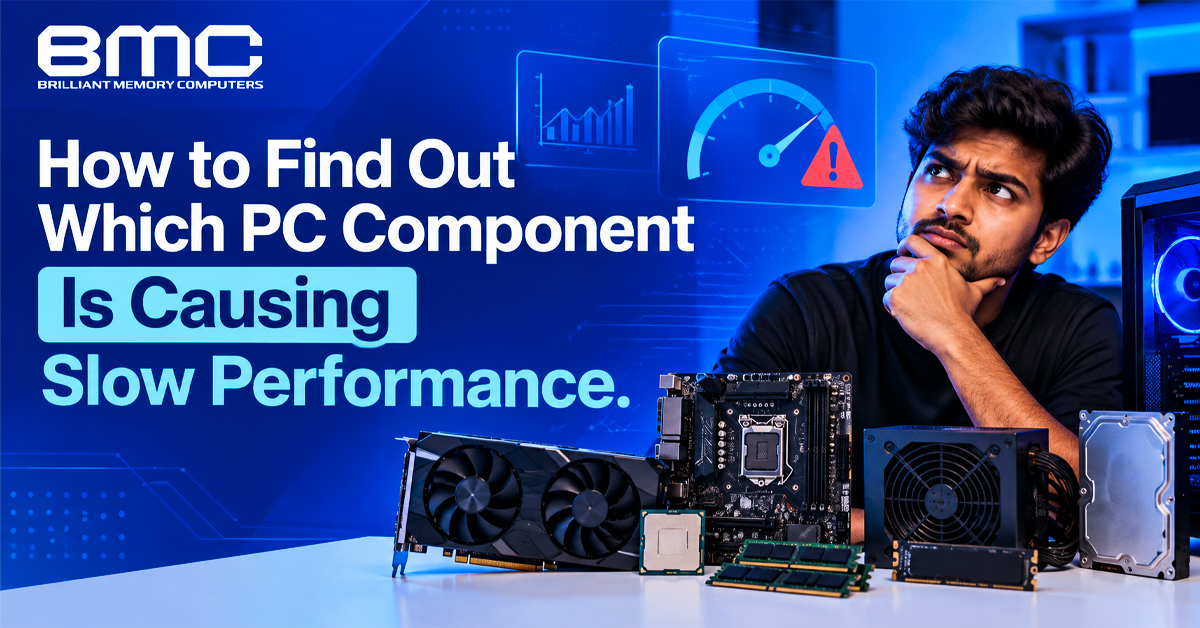
A slow PC may need only a targeted upgrade. Check resource usage before buying parts.
Diagnose Your PC Before Visiting a PC Upgrade Shop in Chennai
Open Task Manager with Ctrl + Shift + Esc and select Performance. Repeat the slow task while monitoring CPU, memory, disk and GPU usage. This system performance monitoring reveals which resource stays busy. If you visit a PC upgrade shop in Chennai, bring these results to help identify the cause.
Look for patterns:
- High CPU usage during routine tasks.
- RAM utilization near capacity.
- High disk usage with poor response time.
- Low GPU utilization during frame drops.
PC Compatibility Checks at a PC Upgrade Shop in Chennai
Bring your PC model and examples of slow tasks. A PC upgrade shop in Chennai can check whether a proposed upgrade suits your system.
Check CPU Load, Clock Speed and Temperature
Persistent CPU load during browsing may point to background processes or startup applications.
Try these steps:
- Sort Task Manager by CPU and close unnecessary apps.
- Review startup applications.
- Compare a CPU benchmark with similar systems.
- Monitor temperature and clock speed.
Falling clock speeds at high temperatures may indicate thermal throttling. Check cooling and airflow first, then confirm motherboard compatibility before replacing the CPU.
Check Whether RAM Is Limiting Multitasking
Monitor RAM utilization during normal tasks. If memory pressure stays high and multitasking slows, a RAM shop in Chennai can assess upgrade options.
Choosing a RAM Shop in Chennai for Compatible Memory
Before visiting a RAM shop in Chennai, note your motherboard model and memory type. Consider adding RAM if usage stays high, apps reload frequently or multitasking slows. DDR4 and DDR5 are not interchangeable.
A computer hardware store in Chennai should check compatibility, not just capacity. Ask whether your current modules can be reused or a matched kit is better.
What to Check Before Visiting a RAM Shop in Chennai
Bring your motherboard model and memory details so the retailer can confirm supported modules before purchase.
Gaming and Editing Memory Advice from a RAM Shop in Chennai
Ask the RAM shop in Chennai to match memory capacity to your workload. Check supported speed and maximum capacity before buying.
Check Storage Health and Drive Response
Storage problems can slow an otherwise healthy PC. Compare boot times and app loading, then check SSD read and write speed, drive health and free space. HDDs generally have slower access times than SSDs, while SATA and NVMe differ in interface and potential transfer speed.
Get Your Drive Checked at an SSD Shop in Chennai
Back up important files if the drive is nearly full or reports errors. An SSD shop in Chennai can confirm support for a SATA or NVMe replacement.
A computer hardware store in Chennai can verify the replacement drive's connection and physical size.
Storage Diagnostics at a Computer Hardware Store in Chennai
Ask the technician to explain the storage health results and identify the evidence supporting any replacement recommendation.
What to Ask a Computer Hardware Store in Chennai
Ask staff to explain the test results before recommending a drive, cable or controller replacement. A computer hardware store in Chennai should justify the repair with those findings. If the evidence is unclear, seek a second opinion and request a written estimate for parts and labour.
Investigate GPU Utilization and Frame Drops
While gaming, monitor GPU utilization, video memory and temperature. If GPU utilization drops during frame-rate dips, the CPU or another system limitation may be restricting performance.
If GPU temperatures are high, check airflow and cooling. Before replacing the graphics card, verify power supply capacity and case clearance. Base the decision on performance at your target settings, not the model number alone.
Check Compatibility When Buying PC Components in Chennai
Compare options using motherboard support, physical size, connector requirements and total cost—not just headline performance figures.
For upgrade planning, PC components in Chennai should be compared as a system: check CPU limits, power, slots and physical clearance.
Rule Out Software and Power Problems
Outdated drivers, excess startup apps and low storage can mimic hardware faults. Note when the freezes began and whether recent changes preceded them. Check power supply suitability, but never open the unit yourself; seek qualified help if you suspect a fault. During hardware diagnostics, change one variable at a time to identify the cause.
A computer hardware store in Chennai can source parts once the cause is clear. Replace one component at a time to identify which change resolves the problem.
Plan a Targeted Upgrade Instead of Guessing
Record the bottleneck and expected improvement. When comparing PC components in Chennai, consider compatibility, total cost and workload.
What to Check Before Buying at an SSD Shop in Chennai
Ask about drive compatibility, suitable capacity and data migration. An SSD shop in Chennai should explain how the recommended drive benefits your workload.
SSD Installation Services at an SSD Shop in Chennai
Request an itemised quote covering drive installation, operating system setup and data transfer.
Choose PC Components in Chennai for Your Workload
Office users may prioritise multitasking, gamers frame rates, and editors export speed. When comparing PC components in Chennai, choose parts that match those needs.
Choose PC Components in Chennai to Fix Performance Issues
When comparing PC components in Chennai, shortlist parts that address the measured limitation. Keep existing hardware if testing shows it is not restricting performance.
What to Check Before Visiting a PC Upgrade Shop in Chennai
Bring component details and performance screenshots. Ask the PC upgrade shop in Chennai to explain the bottleneck, alternatives and trade-offs. If the results are unclear, request a repeat test and explanation.
Take your memory details to a RAM shop in Chennai for module advice. Ask an SSD shop in Chennai to verify drive support and compare both recommendations with your system requirements.
A RAM shop in Chennai can help with memory limitations, while an SSD shop in Chennai can address storage issues. A computer hardware store in Chennai can source the required parts. Choose the smallest evidence-based upgrade, then repeat the test and compare screenshots to confirm the improvement.