NVMe SSD vs SATA SSD: Is NVMe Still Worth It?
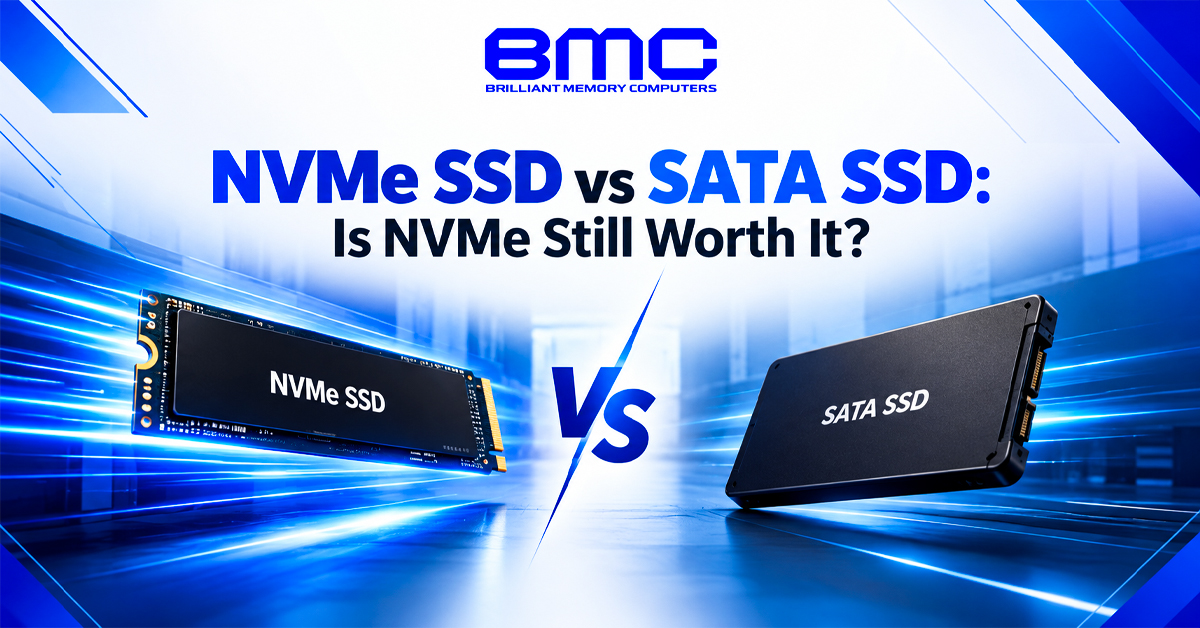
Choosing between NVMe and SATA depends on your computer, workload and budget. NVMe uses PCIe, while SATA SSDs use SATA III, resulting in different bandwidth and upgrade options. When comparing NVMe SSD vs SATA SSD Chennai options, consider your actual workload instead of benchmark numbers alone.
Best NVMe SSD vs SATA SSD Chennai: Which One Fits Your PC?
NVMe drives commonly use M.2 slots with PCIe, while SATA SSDs can use 2.5-inch or M.2 designs. The right NVMe SSD vs SATA SSD Chennai choice depends on motherboard or laptop support.
Key differences include:
- SATA III has lower bandwidth than modern PCIe interfaces.
- NVMe is designed specifically for high-speed solid-state storage.
- PCIe Gen 3, Gen 4 and Gen 5 offer different bandwidth levels.
- M.2 describes a physical form factor, not automatically the storage protocol.
- SATA SSDs can still be useful for older systems and additional storage.
Best NVMe SSD vs SATA SSD Chennai for Different Workloads
Compare NVMe SSD vs SATA SSD Chennai options based on workload. NVMe suits large file transfers and demanding applications, while SATA remains practical for everyday computing and older systems.
SSD Read Speed vs Real-World Performance
SSD read and write speeds matter, but benchmarks do not tell the whole story. Sequential performance helps with large files, while random performance matters when accessing many smaller files.
A practical NVMe SSD vs SATA SSD Chennai comparison should also consider how the drive performs in everyday use.
NVMe generally offers higher sequential speeds than SATA, but application loading will not always feel proportionally faster. Processor, operating system, software and system memory also affect overall storage performance.
When a laptop SSD upgrade Chennai Makes Sense
A laptop SSD upgrade Chennai can improve boot times and application loading, especially when replacing an older HDD. Before upgrading, check the laptop’s M.2 slot, SATA or NVMe support, capacity and available space.
For everyday work or large-file workloads, the right laptop SSD upgrade Chennai should match the system’s interface, capacity and performance requirements.
Best Laptop SSD upgrade Chennai Options for Everyday and Professional Use
A laptop SSD upgrade Chennai should match the laptop's supported interface rather than simply choosing the fastest drive available.
Best SSD store in Chennai for NVMe Gaming Storage
Gaming systems benefit from fast storage for large game installations and data loading, but SSD speed does not directly determine gaming FPS. When comparing options at an affordable SSD store Chennai, consider capacity, loading times, motherboard support and library size before paying extra for extreme sequential speeds.
Best SSD store in Chennai: What Should You Compare?
When comparing an SSD store Chennai option, look beyond maximum speed. Check the NAND type, controller, DRAM design, TBW, warranty and capacity to understand the drive’s overall suitability.
The right SSD store Chennai can help match these specifications to your workload instead of choosing a drive based only on benchmark results.
NVMe vs SATA for Desktop Storage
Desktop systems may offer multiple M.2 slots and SATA ports, allowing users to combine NVMe and SATA drives. Before upgrading, a reliable SSD store Chennai can help you consider PCIe lane availability, expansion cards and the planned storage layout.
Best SSD shop in Chennai: Choosing the Right Capacity
Capacity can be as important as speed. A 500GB or 1TB SSD may suit general computing, while gamers and professionals may need 2TB or more. When comparing an SSD shop Chennai option, consider usable space, endurance and workload.
internal SSD Chennai Options for Upgrades
An internal SSD Chennai option should match your system’s physical and technical requirements. For 2.5-inch drives, check the SATA connection and drive bay; for M.2 models, confirm whether the slot supports SATA or NVMe.
Before choosing an internal SSD Chennai, check the motherboard or laptop specifications to ensure proper compatibility.
PCIe Gen 3, Gen 4 and Gen 5: Does It Matter?
PCIe Gen 3 remains suitable for many everyday systems, while Gen 4 and Gen 5 support newer, faster platforms. Before choosing a reliable SSD store Chennai option, check your system’s PCIe compatibility, as a newer-generation SSD will not reach its maximum speed without proper support.
Best SSD shop Chennai for Reliable Storage Upgrades
When choosing an SSD shop Chennai, compare drives by capacity, workload and warranty rather than peak speeds. For a boot-drive replacement, consider cloning the existing OS or performing a fresh installation.
An SSD shop in Chennai can also help you choose storage with suitable endurance and TBW for frequent professional workloads.
internal SSD Chennai for Gaming and Professional Systems
A gaming internal SSD Chennai can provide capacity for large game libraries, while professional workloads may require greater endurance and sustained write performance. In both cases, capacity matters alongside peak speed.
Is NVMe Still Worth It?
For modern laptops and desktops with PCIe support, NVMe remains a strong choice because its interface provides much greater bandwidth than SATA. It can be particularly useful for large file transfers, demanding applications and modern gaming systems.
However, SATA SSDs remain practical for older computers, secondary storage and buyers who want affordable capacity without replacing other hardware.
Before buying, compare:
- SATA III or PCIe interface
- M.2 or 2.5 inch form factor
- PCIe Gen 3, Gen 4 or Gen 5 support
- SSD capacity
- NAND flash and controller
- DRAM or DRAM-less design
- TBW and SSD warranty
- Actual workload
The right SSD depends on compatibility, capacity and workload. An SSD store Chennai can help compare suitable drives, while an SSD shop in Chennai can assist with capacity and warranty choices.
For laptops, a laptop SSD upgrade Chennai should match the supported interface and available space. Desktop users can select an internal SSD Chennai based on the motherboard’s available slots.
NVMe suits systems and workloads that benefit from higher bandwidth, while SATA remains practical when compatibility, capacity and budget matter most.