SSD Upgrade vs RAM Upgrade: Which Makes Your PC Faster?
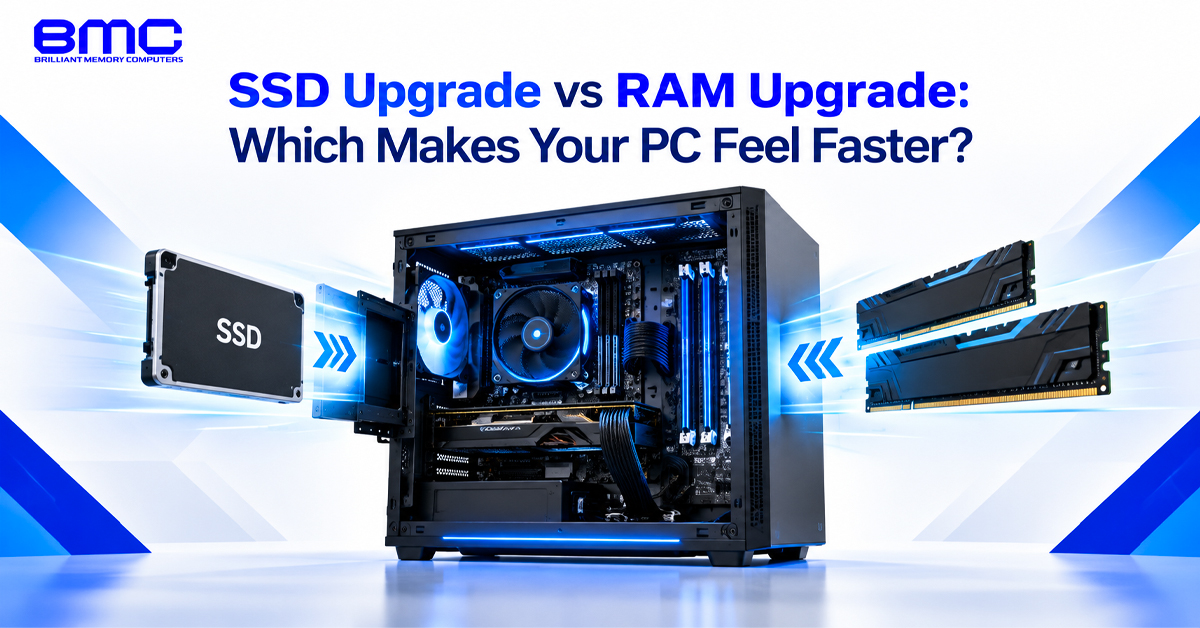
SSD Upgrade vs RAM Upgrade: Which Makes Your PC Feel Faster?
A PC upgrade assessment should consider RAM capacity, storage type, free space and the applications you use most. A computer shop in Chennai can check these factors before you replace working hardware.
SSD and RAM Upgrade in Chennai: Start With the Actual Problem
Before spending money on new hardware, identify what is slowing the computer. If Windows takes a long time to start, applications open slowly, or files take time to load, storage may be the bottleneck. If the computer becomes sluggish when several browser tabs, office applications or creative programs are open, limited RAM may be the issue.
A practical PC upgrade assessment should consider current RAM capacity, storage type, free storage space and the applications you use most. A Computer shop in Chennai can help check these factors before you replace working hardware.
When an SSD Upgrade Makes a PC Feel Faster
Moving from a traditional hard disk drive to an SSD can reduce boot time and improve application loading. For systems with an M.2 slot, an NVMe SSD may offer higher read and write speeds, while an SATA SSD can suit computers using an older SATA interface.
An SSD upgrade store in Chennai can compare NVMe and SATA options based on your computer, capacity needs and budget. The right drive should match your system rather than its advertised speed alone.
SSD Upgrade Benefits for Everyday Computing
An SSD upgrade can make a noticeable difference when you:
- Start Windows frequently
- Open large applications
- Transfer files regularly
- Work with large media projects
- Use an HDD as your main boot drive
For everyday users, the main improvement is usually faster system responsiveness and application loading rather than increased CPU performance.
When a RAM Upgrade Makes More Sense
RAM holds the data and applications currently in use. When available memory is limited, multitasking can become slower. A RAM upgrade shop in Chennai can check your system's supported DDR generation, maximum capacity and available slots before you buy.
Gaming RAM Upgrade Shop in Chennai: When More Memory Helps
Gamers running games alongside browsers, voice chat or streaming software may benefit from more RAM when existing memory is insufficient. A gaming RAM upgrade shop in Chennai can compare capacity, speed and DDR generation. More RAM does not automatically increase FPS unless memory is limiting performance.
SSD and RAM Upgrade in Chennai: Which One Should You Choose?
The choice depends on the problem you experience.
Choose an SSD upgrade when:
- Windows or applications load slowly
- Your PC still uses an HDD
- File access is a common issue
Consider a RAM upgrade when:
- The system slows during multitasking
- Many applications or browser tabs are open
- Your workload exceeds available memory
If both storage and memory are limiting the system, an SSD and RAM upgrade in Chennai can address both bottlenecks. The upgrade should still be based on the actual configuration rather than simply choosing the newest components.
Computer shop in Chennai: Check the System Before Buying
Before ordering parts, confirm the storage interface, SSD form factor, RAM generation, maximum capacity and available slots. Some laptops have soldered memory or limited upgrade options. A computer shop in Chennai can check compatibility before you buy.
computer store Chennai Options for Different Budgets
An affordable computer store Chennai option may suit basic PC upgrades, while a premium computer store Chennai option may offer higher-capacity components for demanding workloads. Choose according to your system needs.
SSD upgrade store in Chennai: Choosing the Right Drive
When comparing options at an SSD upgrade store in Chennai, check:
- NVMe or SATA interface
- M.2 form factor
- Storage capacity
- Read and write speeds
- Warranty
- Laptop or desktop compatibility
Choose the drive based on your system requirements rather than advertised speed alone.
RAM upgrade shop in Chennai: Choosing Memory for Your System
When comparing options at a RAM upgrade shop in Chennai, check:
- DDR4 or DDR5 support
- Maximum capacity
- Available memory slots
- Existing RAM configuration
- Memory speed
- Laptop or desktop compatibility
For gaming or demanding applications, choose capacity and speed according to system compatibility and workload.
computer store Chennai Advice for Laptop and Desktop Upgrades
Laptop and desktop upgrades have different limitations. Desktops often provide more flexibility with RAM and storage, while some laptops have soldered memory or limited upgrade options. Check the exact model before choosing compatible parts.
SSD and RAM Upgrade in Chennai for a Complete PC Upgrade
If your PC has both an HDD and insufficient RAM, upgrading both can improve startup and multitasking. A professional computer shop in Chennai can assess the configuration and check compatibility before installation.
Computer shop in Chennai for Upgrade Planning
Start with the current system rather than the newest hardware. Check the motherboard, processor, RAM, storage interface and power requirements before choosing components. A computer shop in Chennai can help determine whether one upgrade is enough.
Making the Right Upgrade Decision
Slow startup and application loading usually indicate a storage issue, while slow multitasking can point to limited RAM.
An SSD upgrade store in Chennai can help you compare suitable storage options. For memory-related slowdowns, a RAM upgrade shop in Chennai can help identify the right capacity. If both are limiting performance, an SSD and RAM upgrade in Chennai can address both issues.
Choose the upgrade based on your system, workload and compatibility rather than simply buying newer hardware.